What Is Smishing?
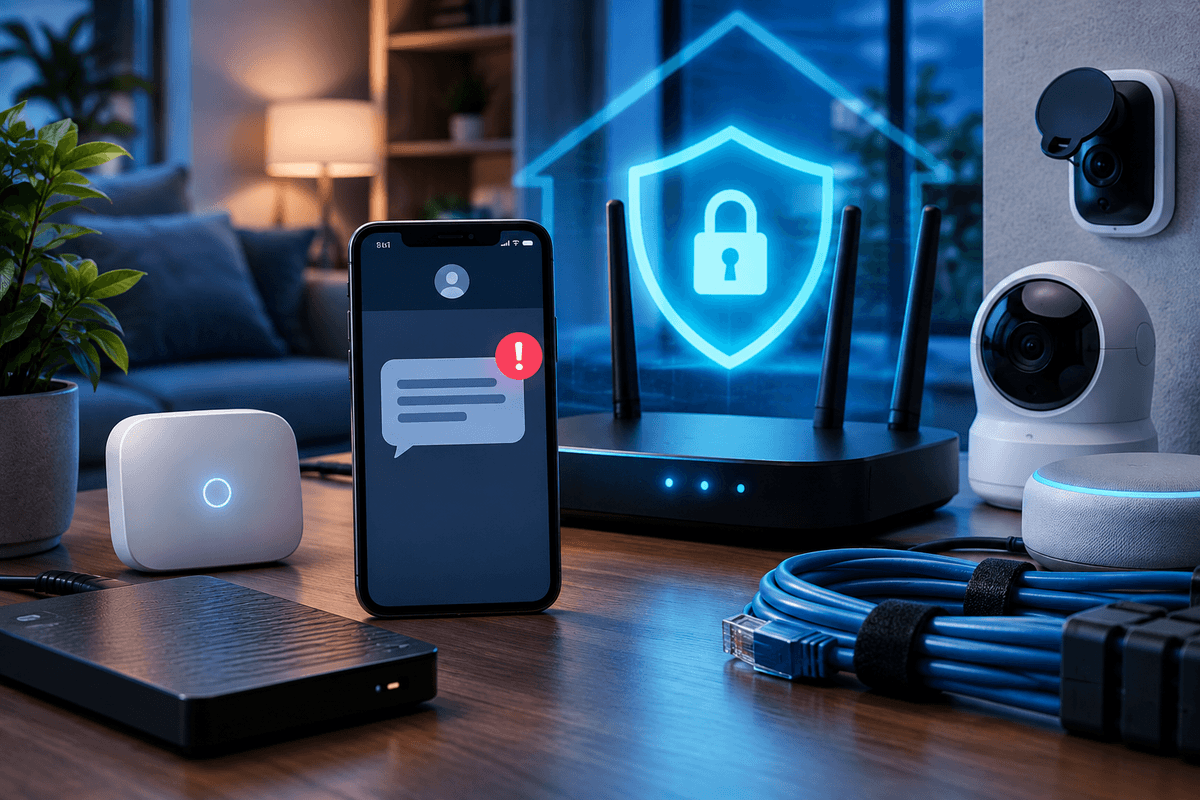
Smishing is phishing carried out through SMS (Short Message Service) or app-based text messages instead of email, where a scammer sends a fraudulent text designed to get you to click a malicious link, download malware, or hand over personal or financial information. You can usually spot a smishing text by checking four things: whether the sender number looks unfamiliar or spoofed, whether the link's actual destination matches the company it claims to be from, whether the message pressures you to act immediately, and whether the request matches how that company really communicates with you. In 2026, the most common lures are fake package delivery alerts, bank fraud warnings, toll road notices, and, during filing season, messages impersonating the Internal Revenue Service (IRS).
Quick Answer
Spot a smishing text by checking the sender number (unfamiliar, spoofed, or an 11-digit string), the link (shortened, misspelled, or a domain that doesn't match the real company), the tone (urgent threats or deadlines), and the ask (a request to click, reply with a code, or call a number provided in the text). Legitimate banks, delivery carriers, and government agencies rarely text you a link asking for account numbers, passwords, or one-time passcodes. If a text pushes you to act fast, verify it directly through the company's app or the number on your statement before doing anything else.
Common Smishing Lures in 2026
Scammers rotate their pretexts based on what people expect to see in their inbox that week. The current crop includes:
- Fake delivery notices claiming a package from USPS, FedEx, or UPS is held for a small fee or missing address details.
- Bank fraud alerts asking you to confirm a transaction by clicking a link or replying with a verification code.
- Toll road notices claiming an unpaid E-ZPass or toll balance, often with a short deadline before a late fee or "legal action."
- Job or gig-work offers that lead to a request for your Social Security number or a bank account for "direct deposit setup."
- IRS and state tax impersonation, especially from January through April, claiming a refund is pending or a filing was rejected.
Every one of these follows the same structure: a plausible sender, a link, and a reason not to think too long before clicking.
Red Flags Checklist
- Sender number is a long string, short code, or unfamiliar area code, not the company's real customer service line
- Link is shortened (bit.ly, tinyurl) or uses a misspelled domain like usps-track.com instead of usps.com
- Message creates urgency: your account will be locked, your package will be returned, a payment is overdue
- You're asked to reply with a PIN, password, or one-time verification code
- The greeting is generic ('Dear customer') even though a real bank or the IRS would already have your name on file
- You're told to call a phone number in the text instead of the number printed on your card or statement
Why This Matters
These figures cover fraud and cybercrime broadly, not smishing alone, but they show the scale of the reporting systems that track scams like these. According to the FTC's February 2024 Consumer Sentinel Network Data Book, imposter scams, the category smishing usually falls under, are consistently one of the most reported fraud types. The Federal Communications Commission (FCC) and the FTC both publish consumer guidance specifically on recognizing and reporting spam and smishing texts.
What to Do When You Get a Suspicious Text
Don't tap the link or reply
Even replying 'STOP' can confirm your number is active to a scammer, since legitimate opt-out codes don't work the same way on spoofed numbers.
Verify independently
Contact the company or agency using a number or app you already trust, such as the number on the back of your card, not anything provided in the text.
Report the message
Forward suspicious texts to 7726 (SPAM), which routes them to your carrier, and file a report at reportfraud.ftc.gov. If you lost money, also file with ic3.gov.
Block and delete
Block the sending number in your messaging app once you've reported it, then delete the message.
Watch your accounts if you clicked
If you tapped the link or entered information, monitor your bank and credit card statements closely and consider a credit freeze with the three major credit bureaus.
Who Smishing Targets Most
Scammers adjust their pretext to the audience. Older adults are frequently targeted with fake grandchild-in-trouble or Medicare texts; if you're managing security for a parentprotecting elderly parents from online scams and identity theft is worth reading alongside this guide. Tax and accounting professionals see a spike in IRS-themed smishing every filing season, often aimed at stealing e-Services or IRS Tax Pro Account credentials; see our guide on IRS Tax Pro Account MFA setup for how to lock that account down.
Smishing also shows up as the first step in a bigger attack. A text asking you to "confirm" a one-time passcode is sometimes a precursor to a SIM swap attack, where a scammer tries to take over your phone number to intercept the real multi-factor authentication (MFA) codes your bank or email provider sends you.
Never Share a One-Time Code by Text
No legitimate bank, retailer, or government agency will ask you to text back a one-time passcode. If a message asks for that code, treat it as an active attempt to take over an account, not a routine verification step.
Key Takeaway
The fastest way to spot a smishing text is to stop trusting the contact information inside the message itself. Verify through a channel you already know: the app, the number on your card, or the company's official website typed directly into your browser.
If You Already Clicked or Responded
Acting quickly limits the damage. Change the password for any account tied to the information you shared, and enable MFA using an authenticator app rather than text messages where possible. If you entered financial information, call your bank using the number on your card and ask about a card replacement or fraud alert. For a full walkthrough of next steps, see identity theft recovery steps and what to do after a data breach. It's also worth comparing your options if you want ongoing monitoring: our breakdown of identity theft protection services compared covers what these services actually catch and what they don't.
Smishing is one piece of a broader habit of protecting your digital identity across email, text, and messaging apps. If you use both personal and work messaging apps, it's also worth understanding how privacy rights differ between personal and work-related messaging apps, since a phishing link opened on a work device can carry different consequences than one opened on a personal phone. The same instincts that catch a smishing text apply to email too, covered in our guide on how to spot phishing emails.
Get Your Free Personal Security Review
Get plain-language help figuring out what protections actually fit your situation, from phone security to account monitoring. No pressure.
Frequently Asked Questions
Simply viewing a text is very unlikely to infect your phone. The risk comes from tapping the link inside it, which can lead to a fake login page designed to steal your credentials or, less commonly, a page that tries to install malicious software. Treat any unexpected link the same way regardless of the message content.
Close the page without entering anything, and avoid downloading any file the page prompts you to install. Update your phone's operating system and run a security scan if your device supports one. Watch your accounts for unusual activity over the following weeks, since some links are used to fingerprint your device for future targeting.
Text messages have higher open rates than email and fewer built-in spam filters on most phones, and people tend to trust texts more because they associate them with people they know. Scammers also exploit the fact that a phone number is easier to spoof or rotate through bulk SMS services than a properly authenticated email domain.
Forward the message to 7726 (SPAM) so your carrier can investigate, then file a report at reportfraud.ftc.gov. If you lost money or shared sensitive account information, also file a complaint with the FBI's Internet Crime Complaint Center at ic3.gov.
Start with the concern that matters most
Make your accounts, devices, or family safer one clear step at a time
You do not need to change everything today. Choose the account, device, scam, or family concern that brought you here and fix the highest-impact opening first.
People also look for
Keep exploring Phishing & email security
Recognize manipulation, protect email accounts, and give people a clear way to report suspicious messages.
- Common question: what is phishingUnderstand how phishing worksLearn the common phishing types, why they work, and what attackers want.
- Common question: how to spot phishing emailsLearn the warning signs in an emailCheck sender details, urgency, links, attachments, and requests before taking action.
- Common question: email security best practicesUse the email security guideCombine account protection, filtering, safer habits, and reporting procedures.
- Common question: social engineering examplesRecognize social engineering tacticsSee how pretexting, impersonation, urgency, and authority are used to manipulate people.
- Common question: security awareness trainingBuild practical security awarenessHelp employees recognize threats and respond without creating a blame culture.