Symmetric vs Asymmetric Encryption: The Short Answer
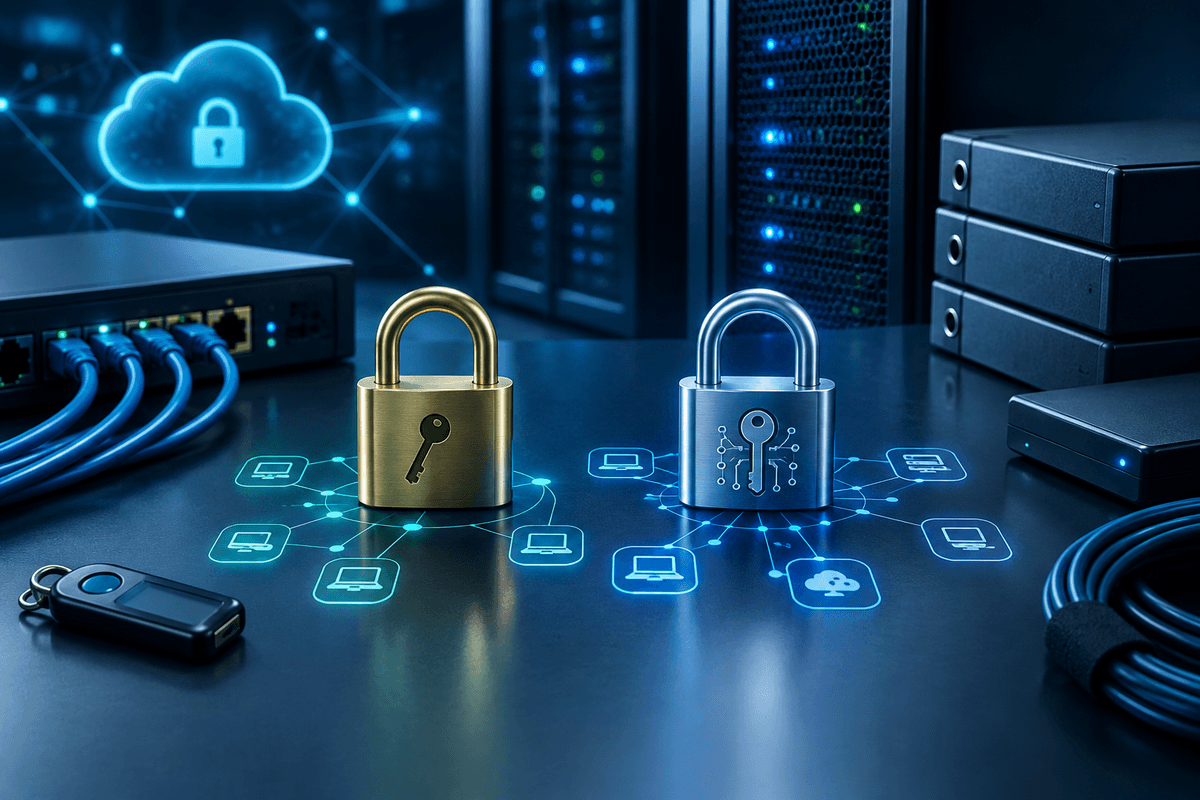
Symmetric encryption uses one shared key to both lock and unlock data, while asymmetric encryption uses a mathematically linked pair of keys, a public key anyone can use to encrypt and a private key only the recipient holds to decrypt. Symmetric encryption is faster and better suited to encrypting large amounts of data at rest, such as files on a server or an entire laptop hard drive. Asymmetric encryption is slower but solves a problem symmetric encryption can't: securely exchanging a key with someone you've never met, which is why it underpins HTTPS, digital signatures, and secure email. Most real-world systems, including the browser padlock on the page you're reading right now, use both together.
Quick Answer
Symmetric encryption, such as AES-256, uses a single shared key for both encrypting and decrypting data, making it fast and efficient for protecting stored files, databases, and backups. Asymmetric encryption, such as RSA or elliptic curve cryptography, uses a public and private key pair, making it slower but suited to secure key exchange, digital signatures, and identity verification over an open network. Most secure systems, including web browsing over TLS/HTTPS and encrypted email, use asymmetric encryption to safely exchange a symmetric key, then switch to symmetric encryption for the actual data transfer.
How Symmetric Encryption Works
Symmetric encryption scrambles data using an algorithm and a single secret key, and that same key reverses the process to decrypt it. Whoever holds the key can both encrypt and decrypt, which means the key itself has to be protected and shared only with people who need it.
The current standard is the Advanced Encryption Standard (AES), a symmetric algorithm adopted by the National Institute of Standards and Technology (NIST) in 2001. AES-256, which uses a 256-bit key, is the version most security tools default to today, including full-disk encryption features like BitLocker and FileVault, and encrypted backup software. Because there's only one key to process through the math, symmetric encryption is computationally fast, which is why it's used for large volumes of data: databasesencrypted backups, and entire hard drives.
The tradeoff is key distribution. If you encrypt a file with a symmetric key and need to send that file to someone else, you also have to get them the key, and if that key is intercepted in transit, the encryption protects nothing. That's the exact problem asymmetric encryption was designed to solve.
How Asymmetric Encryption Works
Asymmetric encryption, also called public-key cryptography, uses two mathematically related keys: a public key that can be shared openly and a private key that never leaves its owner's device. Data encrypted with the public key can only be decrypted with the matching private key, so anyone can send a business a secure message without ever needing a shared secret arranged in advance.
The two most common asymmetric algorithms are RSA (Rivest-Shamir-Adleman) and elliptic curve cryptography (ECC). NIST's guidance in Special Publication 800-131A phased out 1024-bit RSA keys and now calls for a minimum 2048-bit RSA key, or the ECC equivalent, a benchmark most commercial security tools follow as well. ECC delivers comparable security with a smaller key size, part of why it has become standard on mobile devices and modern browsers.
Asymmetric encryption also enables digital signatures: signing data with a private key lets anyone holding the matching public key verify it came from you and wasn't altered afterward, which is the basis for code-signing certificates and secure email signing.
The tradeoff is speed. The math behind public-key cryptography is far more computationally expensive than symmetric encryption, so using it to encrypt large files or high volumes of data would be noticeably slower and more resource-intensive.
Symmetric vs Asymmetric Encryption at a Glance
Keys used
- Symmetric Encryption
- One shared secret key
- Asymmetric Encryption
- Public and private key pair
Speed
- Symmetric Encryption
- Fast, low computational overhead
- Asymmetric Encryption
- Slower, higher computational cost
Best for
- Symmetric Encryption
- Encrypting large data at rest: files, databases, backups
- Asymmetric Encryption
- Secure key exchange, digital signatures, identity verification
Key distribution
- Symmetric Encryption
- Key must be shared securely in advance
- Asymmetric Encryption
- Public key can be shared openly; private key stays secret
Common algorithms
- Symmetric Encryption
- AES-256, ChaCha20
- Asymmetric Encryption
- RSA, ECC
Typical use case
- Symmetric Encryption
- Disk encryption, VPN tunnels, encrypted backups
- Asymmetric Encryption
- TLS/HTTPS handshake, email signing, SSH authentication
| Feature | Symmetric Encryption | RecommendedAsymmetric Encryption |
|---|---|---|
| Keys used | One shared secret key | Public and private key pair |
| Speed | Fast, low computational overhead | Slower, higher computational cost |
| Best for | Encrypting large data at rest: files, databases, backups | Secure key exchange, digital signatures, identity verification |
| Key distribution | Key must be shared securely in advance | Public key can be shared openly; private key stays secret |
| Common algorithms | AES-256, ChaCha20 | RSA, ECC |
| Typical use case | Disk encryption, VPN tunnels, encrypted backups | TLS/HTTPS handshake, email signing, SSH authentication |
Encryption Standards by the Numbers
Why HTTPS Uses Both Types of Encryption
When you connect to a website secured with Transport Layer Security (TLS), the protocol behind the padlock icon in your browser's address bar, your browser and the server first use asymmetric encryption to verify the site's identity and agree on a temporary symmetric key. Once that key exchange finishes, the connection switches to symmetric encryption, typically AES, for the rest of the session, because it moves data quickly without the overhead of public-key math on every packet.
This hybrid model shows up everywhere in practice. Encrypted email standards like S/MIME and PGP use a recipient's public key to encrypt a one-time symmetric key, then encrypt the actual message with that faster symmetric key. VPN tunnels work the same way. Password managers and full-disk encryption tools, by contrast, use symmetric encryption alone, because there's no key exchange to solve, you're protecting your own data with your own passphrase.
This is also why encryption protects confidentiality, one leg of the CIA triad of confidentiality, integrity, and availability, but only if the underlying keys are managed correctly. Key management gaps are a common finding during a vulnerability assessment, and they're easy to miss if you assume encryption is a one-time setup rather than an ongoing control.
How This Fits Into Your Compliance Obligations
Encryption is one of the specific controls regulators expect security-conscious businesses to have in place, not just a background feature. Under the FTC Safeguards Rule, financial institutions, a category that includes tax preparers and accounting firms, must encrypt customer information at rest and in transit or document why an equivalent control is in place; the rule also requires designating a qualified individual responsible for the security program. The IRS reinforces this in its Security Six checklist for tax professionals, which lists data encryption alongside antivirus software, firewalls, and multi-factor authentication as baseline protections.
None of this means encryption alone satisfies your obligations. If a laptop with an encrypted hard drive is stolen while logged in and unlocked, the encryption doesn't help, because the data was already accessible at the moment of theft. And if you ever discover that an encryption key, password, or credential has actually been exposed, treat it as a security incident and follow a documented incident response framework rather than assuming the exposure is contained. Specific compliance questions for your practice should be reviewed with legal counsel.
Confirm Your Encryption Requirements With Primary Sources
The FTC Safeguards Rule and IRS Publication 4557 both address encryption expectations for firms handling financial and taxpayer data, but requirements and enforcement guidance can change. Confirm current requirements against the primary source, and route legal questions to counsel rather than relying on a blog summary.
Action Checklist: Applying Encryption in Your Practice
- Confirm full-disk encryption (BitLocker on Windows, FileVault on Mac) is turned on for every laptop and desktop
- Verify backups are encrypted at rest, not just password-protected
- Check that your website and client portal force HTTPS on every page, not HTTP
- Confirm email containing client data uses an encrypted transmission method rather than plain email
- Ask any cloud vendor storing client data whether it uses AES-256 or equivalent and how encryption keys are managed
- Document your encryption controls in your written information security plan (WISP)
What This Means for Your Written Information Security Plan
You rarely need to choose between symmetric and asymmetric encryption directly, because the software you already use, your operating system, backup provider, and email platform, makes that choice for you behind the scenes. Your responsibility is confirming those settings are turned on, applied consistently across every device, and documented as part of a broader data protection program.
For accounting and tax practices, that documentation belongs in a written information security plan. Bellator Cyber Guard builds a custom WISP starting at $749 for practices with up to 5 users, with larger practices quoted separately, and most firms find it saves 20 to 40 billable hours compared to drafting a plan from scratch.
Get Your Free Cybersecurity Evaluation
Not sure if your current encryption and backup setup meets FTC Safeguards Rule or IRS Publication 4557 expectations? Get a plain-language review of what's in place and what's missing.
Frequently Asked Questions
Neither is inherently more secure; they're built for different jobs. With comparable key strength, such as AES-256 versus RSA at 2048 bits or higher, both are considered secure against practical attacks in 2026. Security depends more on correct implementation and key management than on which type you use.
NIST has begun standardizing post-quantum cryptography through its post-quantum cryptography project because a sufficiently powerful quantum computer could theoretically break widely used asymmetric algorithms like RSA and ECC faster than classical computers can. Symmetric algorithms like AES are considered more resistant to quantum attacks, though larger key sizes are recommended as a precaution. No quantum computer capable of breaking current encryption is publicly known to exist as of 2026.
Usually not directly. Most operating systems, cloud platforms, and backup tools already implement current standards like AES-256 and RSA at 2048 bits or higher by default. The more common gap is that encryption features exist but were never turned on or configured correctly.
Every time your browser shows a padlock icon on a website, TLS has used asymmetric encryption to verify the site and exchange a session key. Encrypted messaging apps also rely on asymmetric encryption to establish the initial secure connection between you and the recipient before switching to faster symmetric encryption for the conversation itself.
Compare the operating outcome, not just the price
Choose the option that makes ownership and total cost clear
A useful comparison shows what is included, who watches and responds, where extra work remains, and which costs appear after the headline quote.
People also look for
Keep exploring Phishing & email security
Recognize manipulation, protect email accounts, and give people a clear way to report suspicious messages.
- Common question: what is phishingUnderstand how phishing worksLearn the common phishing types, why they work, and what attackers want.
- Common question: how to spot phishing emailsLearn the warning signs in an emailCheck sender details, urgency, links, attachments, and requests before taking action.
- Common question: email security best practicesUse the email security guideCombine account protection, filtering, safer habits, and reporting procedures.
- Common question: social engineering examplesRecognize social engineering tacticsSee how pretexting, impersonation, urgency, and authority are used to manipulate people.
- Common question: security awareness trainingBuild practical security awarenessHelp employees recognize threats and respond without creating a blame culture.