What Changed
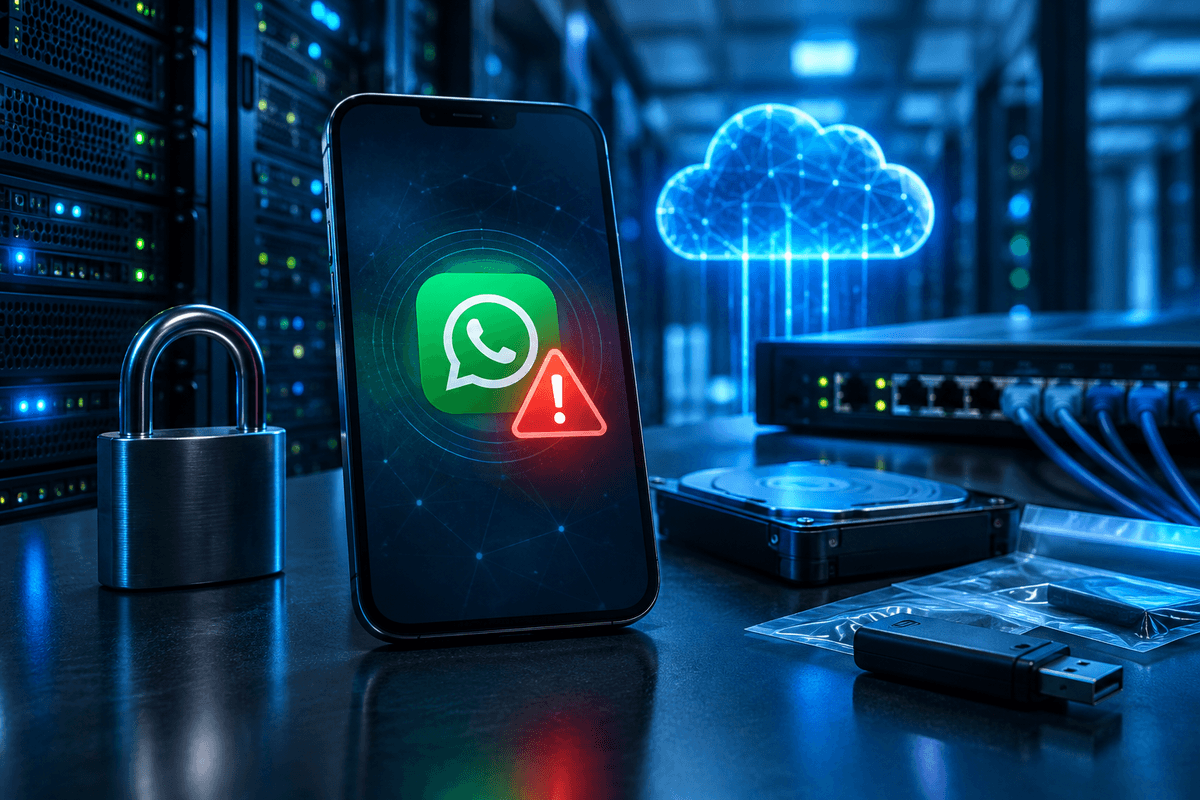
WhatsApp is rolling out a feature called Scam Alert that displays an in-app warning the moment a user opens a conversation with a phone number that isn't saved in their contacts, according to reporting corroborated across multiple outlets tracking the rollout. The feature reportedly appears as part of a WhatsApp update numbered 22.2 in some regional builds, though version numbering can vary by platform and staged rollout. Separately, WhatsApp is said to be testing lock-screen and notification-level controls that would let users block or report suspicious messages without fully opening the app, and some reports describe pre-chat trust warnings intended to flag potential impersonation attempts before a conversation even starts. Meta has not published a formal engineering blog post detailing every mechanic of Scam Alert as of this writing, so exact triggering logic, geographic availability, and rollout timeline remain unconfirmed beyond what has been reported.
The timing is notable because Signal, the encrypted messaging app maintained by the nonprofit Signal Foundation, made its own security announcement around the same period: an automatic key verification feature designed to complement its existing safety number system. Signal's safety numbers let two users cryptographically confirm they're talking to the intended person and not an intercepted or spoofed session; automating part of that verification process is meant to reduce the number of users who never bother to check safety numbers manually, which has long been a usability gap in end-to-end encrypted messaging. Together, the two announcements point to a broader trend among consumer messaging platforms: shifting scam and impersonation detection earlier in the conversation flow, rather than relying on users to notice red flags after damage is already done.
Why This Matters for Bellator Cyber Guard Readers
WhatsApp is one of the most widely used messaging platforms globally, and it has increasingly become a vector for impersonation scams, invoice fraud, and social engineering aimed at both consumers and small businesses. Attackers routinely message employees, patients, or clients from numbers made to look like a known contact, a vendor, or even a company executive, then request payment, credentials, or sensitive files. A feature that flags unsaved or unfamiliar numbers before a user engages could meaningfully reduce the success rate of these low-effort, high-volume scams, particularly for less technical users who don't habitually scrutinize sender details.
That said, readers should treat Scam Alert as a helpful signal, not a guarantee. Warnings tied to "unsaved number" status can be bypassed the moment an attacker gets a target to save their number, or if the attacker compromises or spoofs an already-trusted contact's account. Scam messages sent from a hijacked friend's or coworker's WhatsApp account would not trigger this specific warning, since the number would already be saved. Healthcare practices, tax and accounting firms, and other small businesses that use WhatsApp for client communication, appointment reminders, or informal vendor coordination should view this update as one layer of defense, not a replacement for verification procedures already in place for financial or data requests.
Key Takeaway
Scam Alert only flags unsaved or unfamiliar numbers, it does not detect account takeover or spoofing of contacts already saved in your phone. Keep independent verification steps for any payment, credential, or sensitive-data request received over WhatsApp, regardless of whether the sender shows a warning.
What This Means For Your Business
For healthcare practices and tax professionals, WhatsApp and similar consumer messaging apps are frequently used informally for scheduling or quick client questions, even when they fall outside a formal, HIPAA-aligned or IRS-compliant communication channel. If your practice permits WhatsApp for any client-facing communication, this is a good moment to confirm that policy and to remind staff that a green checkmark or absence of a scam warning is not verification of identity. Any request involving payment changes, wire instructions, patient records, tax documents, or login credentials should require a callback to a known, independently verified number or a check through your practice management system, not just a reply in the same chat thread.
Practical steps for readers to take now:
1. Update WhatsApp to the latest version available in your app store and check Settings for security or privacy options related to scam warnings once the feature reaches your account, since staged rollouts mean not everyone will see it immediately.
2. Train staff and family members to treat any warning banner about an unsaved number as a hard stop for sensitive requests, not just a suggestion.
3. For small businesses using WhatsApp Business, review who has access to the business account and enable two-step verification within WhatsApp's own settings, since account takeover bypasses number-based scam warnings entirely.
4. If your organization handles regulated data, revisit whether WhatsApp is an approved channel at all; a scam-detection feature improves consumer safety but does not change compliance obligations under frameworks like HIPAA or IRS Publication 4557 data-security guidance for tax professionals.
5. For users who prioritize verified end-to-end communication, Signal's automatic key verification is worth evaluating as a complementary tool for high-sensitivity conversations, since it strengthens identity assurance at the cryptographic layer rather than the message-content layer.
Both updates reflect a reasonable industry direction: making scam and impersonation cues visible before a user commits to a conversation, rather than after money or data has already moved. Bellator Cyber Guard will continue monitoring for Meta's official documentation on Scam Alert's rollout scope and effectiveness data, and we recommend readers avoid granting messaging apps elevated trust based on a single warning label. Layered verification, staff training, and clear escalation procedures for payment or data requests remain the most reliable defense, regardless of which platform a scam arrives through.
Learn first. Decide when you are ready.
Keep learning, or apply this to your situation
Continue with a related guide, compare your options, or ask a specialist to help turn the advice into a practical next step.
People also look for
Keep exploring Phishing & email security
Recognize manipulation, protect email accounts, and give people a clear way to report suspicious messages.
- Common question: what is phishingUnderstand how phishing worksLearn the common phishing types, why they work, and what attackers want.
- Common question: how to spot phishing emailsLearn the warning signs in an emailCheck sender details, urgency, links, attachments, and requests before taking action.
- Common question: email security best practicesUse the email security guideCombine account protection, filtering, safer habits, and reporting procedures.
- Common question: social engineering examplesRecognize social engineering tacticsSee how pretexting, impersonation, urgency, and authority are used to manipulate people.
- Common question: security awareness trainingBuild practical security awarenessHelp employees recognize threats and respond without creating a blame culture.