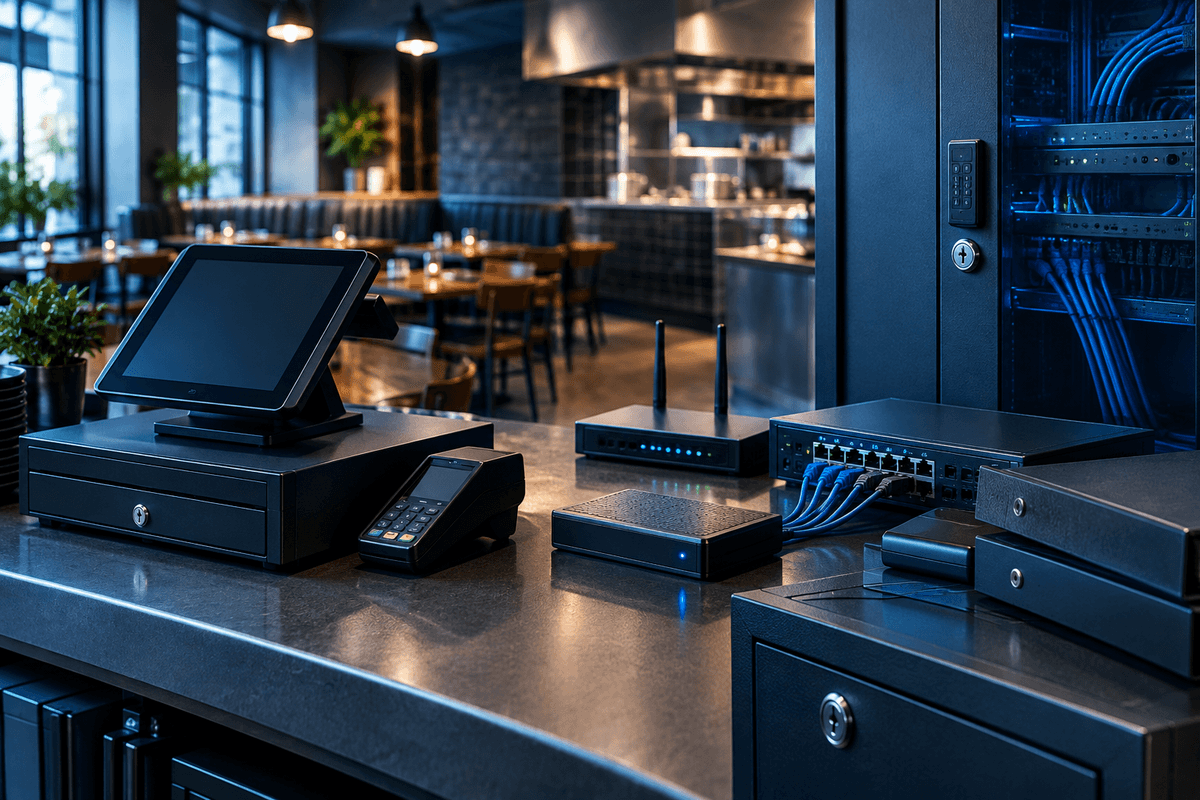
Restaurant point-of-sale (POS) security means protecting the hardware, software, and network connections that process customer card payments from malware, unauthorized access, and data theft. A POS system includes the countertop terminal or tablet that takes payment, the back-office server or cloud service it reports to, and the network path between them. For most restaurants, real-world POS security comes down to five things: network segmentation that isolates the POS from guest Wi-Fi and office computers, current Payment Card Industry Data Security Standard (PCI DSS) compliance, patched POS software and terminals, controlled remote access for vendors, and endpoint monitoring that can catch unusual activity before it turns into a breach.
Quick Answer
Restaurant POS security requires isolating payment systems on their own network segment, keeping PCI DSS compliance current with your processor, patching POS software and terminal firmware on a schedule, restricting and logging vendor remote access, and running endpoint protection on the back-office computers and any terminal the vendor allows it on. Most POS breaches trace back to a handful of preventable failures: a flat network where a compromised guest Wi-Fi login can reach the POS, an unmonitored remote-support tool left open for a vendor, or software running a known, unpatched vulnerability. A single-location restaurant that closes those gaps addresses most of its realistic POS risk.
Why POS Systems Stay a Target
A single terminal can process card data from hundreds of transactions a day, and restaurants often run the same POS hardware for years past its original patch support window. The Payment Card Industry Data Security Standard (PCI DSS) is the contractual security standard that Visa, Mastercard, American Express, and other card brands require of any business that stores, processes, or transmits cardholder data. According to the PCI Security Standards Council, PCI DSS version 4.0 became the only active version of the standard on March 31, 2024, and a set of requirements that were previously best practices became mandatory on March 31, 2025.
Most real-world POS compromises do not start with a sophisticated attack on the payment application itself. They start with a compromised remote-access tool a vendor uses for support, a phishing email that lands in a manager's inbox, or a flat network where the POS terminal can reach the same wireless network customers use. Malware built to pull card data out of a terminal's memory during the brief moment it is decrypted for processing, sometimes called RAM-scraping malware, still shows up in POS-focused incidents because many older terminals were never designed around today's threat model. A POS outage from small business ransomware protection gaps can be just as costly as a data theft incident: a locked ordering system during a dinner rush stops revenue immediately, even if no card data is taken.
PCI DSS at a Glance
PCI DSS 4.0 Deadline Already Passed
A group of PCI DSS 4.0 requirements that were optional in 2024 became mandatory on March 31, 2025, including stronger authentication controls and expanded logging. If your restaurant has not confirmed its compliance status with your acquiring bank or payment processor since that date, do so now; requirements and enforcement details can change, so verify current status directly with your processor rather than relying on last year's assessment.
Segment the POS Network From Everything Else
The single most effective structural control for a restaurant is putting the POS terminals and payment server on their own network segment, separate from guest Wi-Fi, office computers, and smart TVs or music systems. If a guest device gets infected or a staff laptop is compromised through phishing, segmentation stops that infection from reaching the terminal that touches card data. Most modern routers and firewalls support VLANs (virtual local area networks) that create this separation without new wiring. Many restaurants that would never accept this level of exposure in a corporate office run a flat network on-site simply because no one configured it otherwise; the same enterprise security for small business practices that protect larger companies apply just as directly to a single-location restaurant.
Control Vendor Remote Access and Patch on a Schedule
POS vendors frequently use remote-access software to install updates or troubleshoot terminals, and that access is a common entry point when it is left on by default, shared across technicians, or protected by a weak or reused password. Require multi-factor authentication (MFA) on any remote-access tool, ask your vendor for a log of every remote session, and disable the connection when it is not actively needed. Pair that with a documented patch schedule: check for POS software and firmware updates monthly rather than waiting for something to break, since unpatched software with a known, public vulnerability is one of the more common paths into a POS environment.
Legacy On-Premises POS vs. Cloud/Tablet POS
Software updates
- Legacy On-Premises POS
- Often manual; staff must schedule installs
- Cloud/Tablet POS
- Usually automatic, vendor-pushed
Network dependency
- Legacy On-Premises POS
- Can run locally if internet drops
- Cloud/Tablet POS
- Typically requires stable internet
PCI compliance scope
- Legacy On-Premises POS
- Larger; more on-site devices to secure
- Cloud/Tablet POS
- Often smaller; vendor holds more of the cardholder data environment
Typical hardware refresh
- Legacy On-Premises POS
- 5 to 10+ years is common
- Cloud/Tablet POS
- Every 2 to 4 years with device swaps
| Feature | Legacy On-Premises POS | RecommendedCloud/Tablet POS |
|---|---|---|
| Software updates | Often manual; staff must schedule installs | Usually automatic, vendor-pushed |
| Network dependency | Can run locally if internet drops | Typically requires stable internet |
| PCI compliance scope | Larger; more on-site devices to secure | Often smaller; vendor holds more of the cardholder data environment |
| Typical hardware refresh | 5 to 10+ years is common | Every 2 to 4 years with device swaps |
Where Managed Endpoint Detection Fits
Endpoint detection and response (EDR) is security software that continuously monitors a device for malicious behavior and can isolate it from the network before malware spreads. Many countertop POS terminals run locked-down embedded software that only the vendor can modify, so ask your vendor directly whether third-party endpoint agents are supported on the terminal itself. In practice, most restaurants get the most value from putting managed endpoint security for small business on the back-office computer, the manager's laptop, and any server the POS reports to, since those machines usually run standard operating systems and are the ones phishing emails and remote-access compromises actually reach.
Bellator Cyber Guard offers Bellator Shield, managed EDR at $19 per computer per month, for exactly this kind of coverage on back-office and POS-connected machines. Bellator Core adds remote monitoring and Ransomware Rollback for $33 per computer per month, which can restore files locked by ransomware without paying an extortion demand. Compare the two on the protection plans page to see which scope fits a single location versus a multi-location operation.
If you do not have in-house IT staff, a managed service provider or a dedicated cybersecurity company can operate this monitoring on your behalf; our breakdown of a cybersecurity company vs MSP explains the difference in scope so you know what you are buying. Multi-location operators sometimes go a step further and commission an annual test of their network defenses; see what is penetration testing for what that engagement typically covers and costs.
POS Security Action Checklist
- Put POS terminals and the payment server on a separate network segment from guest Wi-Fi and office computers
- Require multi-factor authentication on any remote-access tool your POS vendor uses for support
- Apply POS software and firmware updates on a documented monthly schedule
- Confirm current PCI DSS compliance status with your processor or acquiring bank
- Install endpoint protection on back-office computers and any terminal your vendor allows it on
- Disable or remove default and unused vendor remote-access accounts
- Train staff to recognize phishing emails that impersonate your POS or payment vendor
- Keep offline backups of order history and configuration settings in case ransomware locks the system
If your restaurant carries a cyber insurance policy, the application likely asked about PCI compliance status, remote access controls, and whether you use endpoint protection. Answering those questions inaccurately can complicate a claim after an incident, so review what you told your insurer against what is actually running in your restaurant today. Our guide to cyber insurance requirements for small business walks through what insurers commonly ask and why it matters before, not after, a breach.
Get a Free Restaurant Network Security Review
A short call to walk through your current POS network, vendor remote access, and endpoint coverage, and where Bellator Shield or Bellator Core fits your setup. No pressure.
Frequently Asked Questions
No. These platforms typically reduce how much of the cardholder data environment your restaurant directly manages, which can lower your PCI DSS scope, but you are still responsible for confirming your compliance status with your processor, securing the devices connected to the platform, and following the vendor's own security configuration guidance.
Many countertop terminals run locked-down embedded software that does not support third-party agents; check with your vendor first. Where a terminal or POS server runs a standard operating system, EDR is worth running, and it is generally the highest-value place to start on the back-office computer and manager's device.
PCI DSS requires quarterly external vulnerability scans for most merchants that process card data. Multi-location operators or those handling higher transaction volumes often add an annual penetration test on top of that baseline; see what is penetration testing for what that involves.
Ask whether remote-access sessions require multi-factor authentication and are logged, how often the vendor pushes security patches, whether the terminal supports third-party endpoint agents, and what your restaurant's specific PCI DSS scope is under their platform. Get the answers in writing where possible.
From requirement to defensible practice
Turn the requirement into a security plan people can follow
A useful compliance path makes the obligation clear, identifies the evidence to retain, and connects written policy to the safeguards used every day.
People also look for
Keep exploring Network & cloud security
Protect the connections, cloud accounts, and remote-work paths that people rely on every day.
- Common question: business network securityStrengthen a small-business networkUse firewalls, segmentation, monitoring, and secure remote access to reduce exposure.
- Common question: cloud security for small businessSecure Microsoft 365 and cloud servicesProtect identities, sharing, administrative access, and business data in cloud platforms.
- Common question: VPN security explainedUnderstand what a VPN doesKnow when a VPN helps, what it does not solve, and how to choose a safer setup.
- Common question: firewall and network securityUse the firewall and network guideLearn how traffic controls and visibility work together at the network boundary.
- Common question: remote work securityProtect a small remote teamSecure accounts, endpoints, home networks, collaboration tools, and access to business data.