If you're asking what to use for phishing-resistant authentication in the US, the National Institute of Standards and Technology (NIST) has already answered: FIDO2 security keys. NIST Special Publication 800-63B, the federal government's digital identity guideline, names FIDO2 and its WebAuthn component as the only widely available technology that meets Authenticator Assurance Level 3 (AAL3), the strictest of NIST's three authentication tiers and the one built specifically to resist phishing.
For a US accounting firm, healthcare practice, or individual choosing between security options, that means a hardware key from a FIDO2-certified vendor, such as YubiKey, Google Titan, or Feitian, beats SMS codes or an authenticator app for any account where phishing is the real threat. SMS and time-based one-time codes still stop basic password guessing, but neither can stop an attacker running a fake login page that relays your code to the real site in real time.
Quick Answer
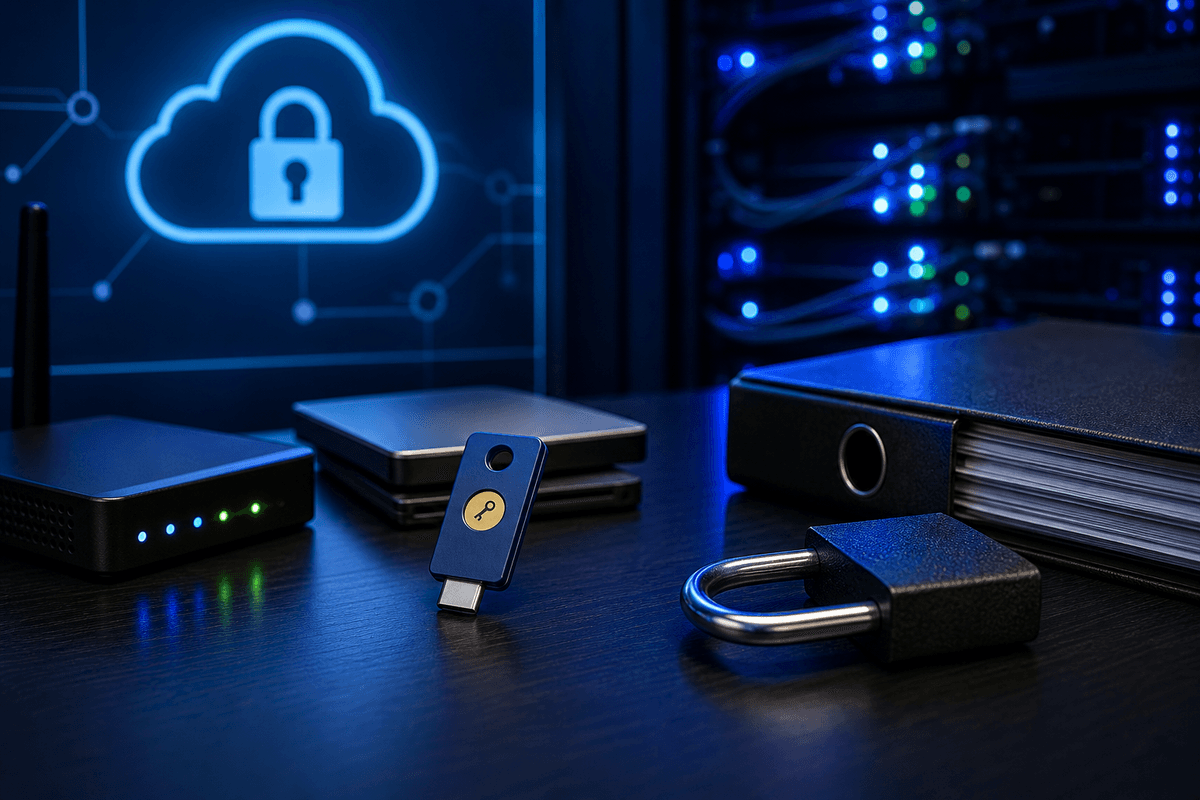
NIST recommends FIDO2/WebAuthn security keys, hardware devices such as YubiKey, Google Titan, or Feitian tokens, as the technology that meets its phishing-resistant authentication standard under Special Publication 800-63B. These keys use public-key cryptography bound to the real website's domain, so a credential created for your bank or tax software can't be reused on a lookalike phishing site. SMS codes and authenticator app codes don't meet this standard because both can be captured and relayed by an attacker in real time. If you need phishing-resistant MFA for a compliance requirement or a high-risk account, a FIDO2 security key or a passkey built on FIDO2 is the current answer.
Key Takeaway
NIST SP 800-63B names FIDO2/WebAuthn security keys as the only widely available technology that meets AAL3, the agency's top assurance level for resisting phishing. Security keys bind each login to the real website's domain; SMS and authenticator app codes don't. Plan to enroll at least two keys per person so a lost device doesn't lock anyone out, and confirm your critical software actually supports FIDO2 before buying hardware.
How FIDO2 Security Keys Block Phishing
FIDO2 is an open authentication standard, maintained by the FIDO Alliance, that pairs WebAuthn (the browser-side API) with a physical security key to create a login cryptographically tied to one specific website. When you register a key with an account, it generates a unique key pair for that domain. The private key never leaves the device, and the public key only validates against the real site, so a phishing page using a different domain can't complete the exchange.
That domain binding is why security keys outperform SMS and app-based codes against real-world phishing. According to a study Google conducted with New York University and UC San Diego, security keys blocked 100% of automated bot attacks, 99% of bulk phishing attempts, and 90% of targeted phishing attacks against enrolled accounts (Google Security Blog, 2019). SMS codes remain vulnerable to SIM swap attacks, and authenticator app codes can still be relayed through live phishing kits, which is also how attackers have bypassed some cloud account logins protected by weaker MFA.
What NIST's AAL3 Standard Actually Requires
NIST SP 800-63B ties phishing resistance to Authenticator Assurance Level 3, the strictest of its three authenticator tiers. To qualify, a security key has to store its cryptographic keys in tamper-resistant hardware and support attestation, a way for the service you're logging into to confirm the key itself hasn't been swapped for a fake or software-based substitute.
SMS and voice codes don't meet AAL3 at all. Authenticator app codes fall short too, because both formats can be phished in real time by a fake login page that simply forwards the code to the attacker before it expires. That gap is the main reason NIST, and separately CISA, point specifically to FIDO2 hardware when phishing resistance matters.
Why Security Keys Are the Recommended Option
- Domain-bound cryptography stops a stolen code from being reused on a fake login page
- Works across Windows, macOS, iOS, Android, and most major browsers through standard FIDO2/WebAuthn support
- No code to read, type, or intercept over a phone call or text message
- One key can hold credentials for many accounts
What to Plan For Before You Buy
- Hardware has a cost, typically $20-50 per key for business-grade devices, and most people need a backup key enrolled
- Some older applications and systems don't support FIDO2 yet, so a few logins may still fall back to a weaker method
- A lost or damaged key without a backup enrolled can lock a user out until a recovery process runs
Enroll a Backup Key
Security keys reduce phishing risk significantly, but they don't eliminate all account-takeover risk. NIST guidance and CISA both point to enrolling at least two security keys per account so a lost or damaged device doesn't cut off access, and to documenting a recovery process that doesn't fall back to SMS.
Who Needs This in the US: Compliance Context
Tax professionals using IRS e-Services and the Tax Pro Account are required to use multi-factor authentication, and FIDO2 security keys satisfy that requirement at the strongest level currently available. See our guide to two-factor authentication for tax practices for setup specifics. Healthcare practices covered by the HIPAA Security Rule can use security keys to harden access to systems holding protected health information, though HIPAA itself doesn't name a specific authentication technology, so check with your compliance advisor on what your risk analysis requires.
The Cybersecurity and Infrastructure Security Agency (CISA), the US agency that issues national cyber defense guidance, separately recommends phishing-resistant MFA, specifically FIDO2/WebAuthn, as the strongest widely available protection against the kind of social engineering that drives most phishing losses.
Getting Started with Security Keys
Tap each step as you finish it. Your progress is saved on this device.
0 of 5 done
Talk with a cybersecurity expert
Bellator can help your firm or practice choose and roll out phishing-resistant MFA as part of a broader security plan.
Frequently Asked Questions
A security key uses cryptographic binding to authenticate only to the website it was registered with. The FIDO2 protocol generates credentials specific to that domain, so even if someone is tricked into visiting a fake login page, the key won't produce a valid signature for it.
No. Only keys that implement hardware-based storage, tamper resistance, and attestation meet AAL3 under NIST SP 800-63B. Confirm a device is FIDO2-certified before assuming it qualifies.
If you've enrolled a backup key, sign in with it and revoke the lost key from your account settings. Without a backup enrolled, you'll need each service's account recovery process, which is why NIST and CISA recommend registering at least two keys per account.
Yes. Most current security keys connect over NFC or Bluetooth, and both iOS and Android support FIDO2 authentication natively, so you can tap or pair the key to sign in to mobile apps and browsers that support the standard.
A passkey is a credential built on the same FIDO2/WebAuthn standard, but it's usually stored on a phone, computer, or in a password manager instead of on separate hardware. A hardware security key is a dedicated device; a passkey lives on a device you already own, and either can meet NIST's phishing-resistant bar depending on how it's implemented.
Learn first. Decide when you are ready.
Keep learning, or apply this to your situation
Continue with a related guide, compare your options, or ask a specialist to help turn the advice into a practical next step.
People also look for
Keep exploring Phishing & email security
Recognize manipulation, protect email accounts, and give people a clear way to report suspicious messages.
- Common question: what is phishingUnderstand how phishing worksLearn the common phishing types, why they work, and what attackers want.
- Common question: how to spot phishing emailsLearn the warning signs in an emailCheck sender details, urgency, links, attachments, and requests before taking action.
- Common question: email security best practicesUse the email security guideCombine account protection, filtering, safer habits, and reporting procedures.
- Common question: social engineering examplesRecognize social engineering tacticsSee how pretexting, impersonation, urgency, and authority are used to manipulate people.
- Common question: security awareness trainingBuild practical security awarenessHelp employees recognize threats and respond without creating a blame culture.