What a Firewall Does
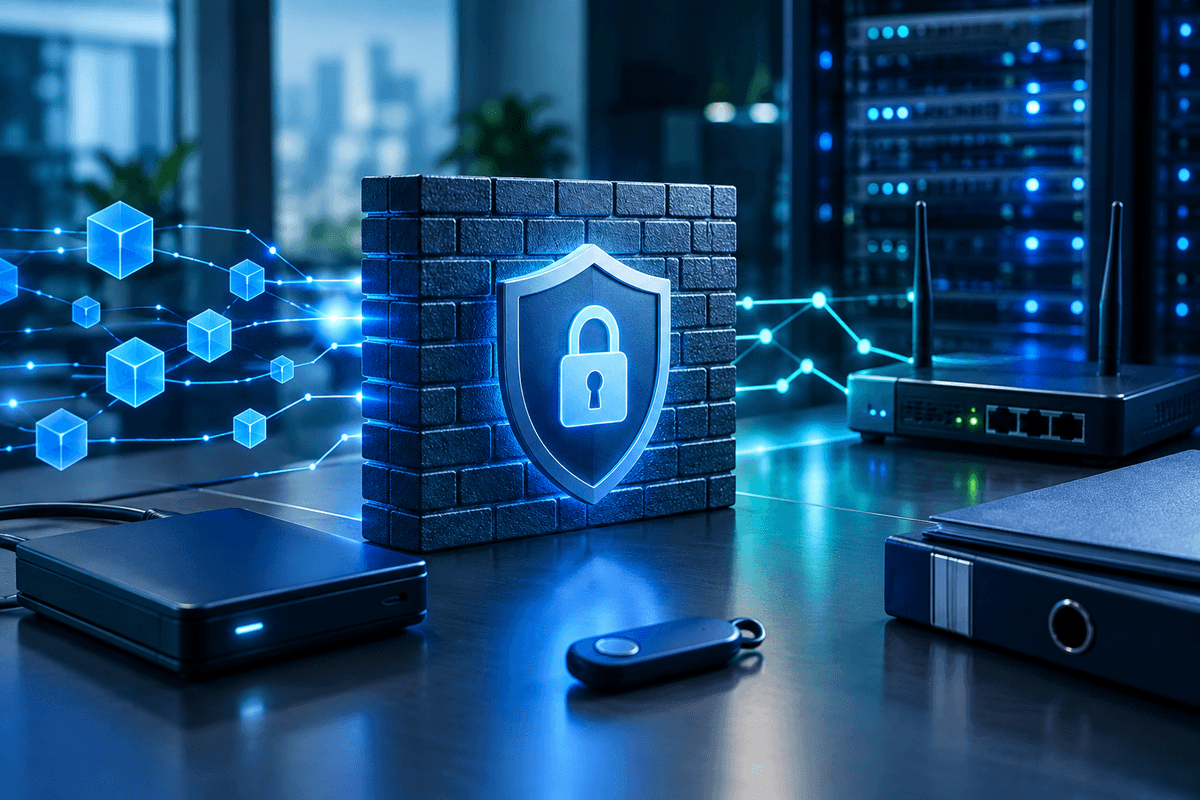
A firewall is a network security device or software program that monitors and filters incoming and outgoing network traffic based on a set of predefined security rules, blocking unauthorized access while allowing legitimate business communication through. For an accounting firm, tax practice, medical office, or any small business that handles client data, a firewall sits at the boundary between your internal network and the internet, screening every connection attempt before it reaches your systems.
Think of it as a checkpoint, not a wall. Traffic that matches an approved rule, an employee reaching your practice management software, a client uploading a document through your secure portal, passes through. Traffic that doesn't match, including most unsolicited connection attempts from outside networks, gets dropped or logged for review.
Quick Answer
A firewall is a network security control, hardware or software, that inspects traffic moving between your internal network and the internet and blocks connections that don't match approved rules. It reduces the chance that an outside attacker can reach your servers, workstations, or point-of-sale systems directly. A firewall is one layer of protection, it doesn't stop phishing emails, stolen passwords, or malware an employee installs by accident, so it needs to be paired with endpoint protection, multi-factor authentication, and staff training.
How Firewalls Filter Traffic
Firewalls decide whether to allow or block a connection using one or more inspection methods, and most modern devices combine several:
- Packet filtering checks basic header information on each piece of data, source and destination IP address, port number, against a rule list.
- Stateful inspection tracks the state of active connections, so the firewall recognizes replies to traffic your network initiated and treats unsolicited inbound traffic with more scrutiny.
- Deep packet inspection, used in next-generation firewalls, looks inside the actual content of traffic to spot malicious patterns, not just the header.
The National Institute of Standards and Technology (NIST), the federal agency that publishes cybersecurity standards used across government and industry, describes firewalls as a core boundary protection control in its Cybersecurity Framework, one of the baseline controls organizations use to manage network risk.
Common Types of Firewalls
Hardware firewall
A dedicated physical appliance that sits between your internet connection and your internal network, protecting every device behind it at once.
Software firewall
A program installed on an individual computer or server that controls traffic to and from that specific device, useful as a second layer behind a hardware firewall.
Cloud-based firewall
A firewall service delivered from the cloud, often used to protect remote staff and cloud applications that don't sit behind your office's physical network.
Next-generation firewall (NGFW)
Combines traditional filtering with intrusion prevention, application awareness, and deep packet inspection for more granular control over what traffic is allowed.
Why a Firewall Matters for Compliance
A firewall is one of the technical controls regulators expect to see when a business handles sensitive client or patient data, though it's rarely the only one. The Federal Trade Commission's Safeguards Rule, which applies to tax preparers and other financial institutions, requires covered businesses to maintain access controls and monitor their networks for unauthorized activity, a firewall is a standard piece of meeting that expectation. The Internal Revenue Service's Publication 4557 similarly points tax professionals toward firewalls as part of a written data security plan.
Healthcare practices face a parallel expectation under the HIPAA Security Rule, which calls for technical safeguards to protect electronic patient information, though the rule doesn't mandate a specific product or brand. In every case, a firewall alone doesn't satisfy the requirement, it's documented as one control within a broader plan. If you're building or updating that documentation, our WISP template for tax preparers walks through where network controls like firewalls fit into a written information security plan.
Firewall Setup Checklist
- Change the default administrator username and password on any firewall appliance or router
- Turn on logging so you have a record of blocked and allowed connections to review
- Close or restrict any ports and services you don't actively use
- Apply firmware and software updates as soon as the vendor releases them
- Separate guest Wi-Fi, staff workstations, and any point-of-sale or medical device network into different segments
- Review firewall rules at least annually, or after any change in vendors, software, or remote work setup
What a Firewall Won't Stop
A firewall protects the perimeter of your network, but a large share of the incidents small practices deal with don't come through that perimeter at all. Phishing emails land directly in an inbox. Stolen credentials let an attacker log in through a legitimate remote-access connection the firewall is designed to allow. A malicious file on a USB drive or a personal laptop used for remote work never crosses the firewall's line of sight.
That's why security practitioners describe firewalls as one layer in a defense-in-depth strategy rather than a standalone fix. Pairing a firewall with endpoint protection that watches activity on individual devices, described in our guide to endpoint detection and response, closes a gap the firewall can't reach. Larger or multi-office practices often add network segmentation to limit how far an attacker can move if one device is compromised, and some are moving toward zero trust security models that verify every user and device rather than trusting anything already inside the network.
If you're not sure whether your current setup is enough, or whether you'd be better served by an internal IT contact versus outside support, our comparison of a cybersecurity company versus a managed service provider (MSP) breaks down what each typically covers.
Key Takeaway
A firewall is a necessary baseline control, not a full security program. Configure it correctly, keep it updated, and pair it with endpoint protection, multi-factor authentication, and staff training to cover the gaps a firewall can't reach.
Get Your Free Cybersecurity Evaluation
Not sure if your current firewall and network setup meet what regulators expect for your practice? Get a plain-language review of your setup and what to prioritize next. No pressure.
Frequently Asked Questions
Yes. A firewall controls traffic entering and leaving your network, while antivirus and endpoint detection tools watch for malicious activity on individual devices. They cover different parts of the network and are meant to work together, not substitute for each other.
A consumer router's built-in firewall provides basic packet filtering, which is better than nothing, but it typically lacks the logging, intrusion prevention, and rule granularity a business handling client financial or health data usually needs. Many small practices upgrade to a dedicated business-grade or next-generation firewall as they grow.
No. A firewall is typically one documented control within a broader written security plan that also addresses access management, monitoring, employee training, and incident response. Confirm your specific documentation obligations with a compliance professional or attorney familiar with your practice.
At minimum, review rules annually and any time you change vendors, add remote staff, or introduce new software that needs network access. Unused or overly broad rules are a common gap found during security reviews.
See whether the service fits
Choose a security approach that fits the way you already work
Start with the outcome and scope. A good fit is clear about who it is for, what is covered, how implementation works, and what happens when the service detects a problem.
People also look for
Keep exploring Network & cloud security
Protect the connections, cloud accounts, and remote-work paths that people rely on every day.
- Common question: business network securityStrengthen a small-business networkUse firewalls, segmentation, monitoring, and secure remote access to reduce exposure.
- Common question: cloud security for small businessSecure Microsoft 365 and cloud servicesProtect identities, sharing, administrative access, and business data in cloud platforms.
- Common question: VPN security explainedUnderstand what a VPN doesKnow when a VPN helps, what it does not solve, and how to choose a safer setup.
- Common question: firewall and network securityUse the firewall and network guideLearn how traffic controls and visibility work together at the network boundary.
- Common question: remote work securityProtect a small remote teamSecure accounts, endpoints, home networks, collaboration tools, and access to business data.