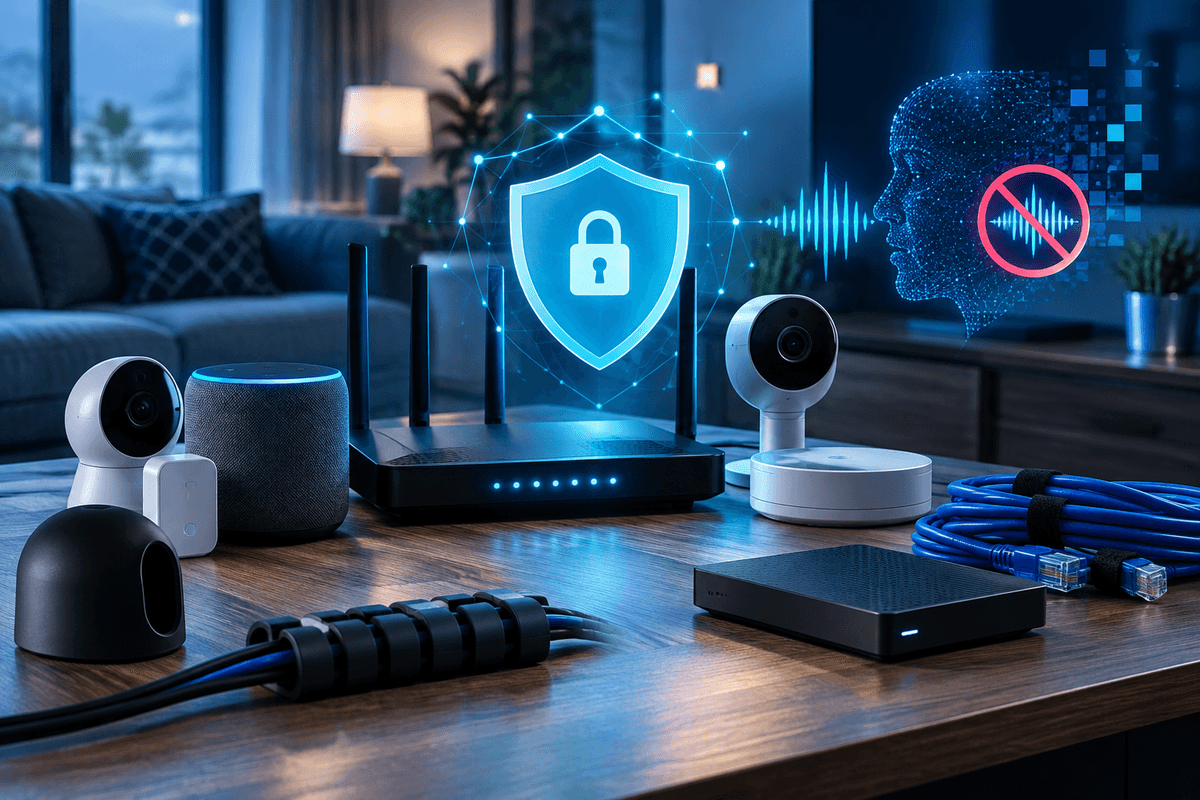
AI voice cloning scam protection starts with one family rule: do not act on an urgent call, voice message, or text until you verify the person through a second, known channel. A convincing cloned voice can make a fake emergency sound personal, but urgency is the scammer's advantage. In 2026, the practical defense is a verification routine, tighter account security, and calm communication with the people most likely to receive an alarming call.
The Federal Trade Commission warns that scammers can use voice-cloning tools to impersonate a loved one and pressure relatives to send money. Treat a familiar voice as a claim to verify, not proof of identity.
Quick Answer
To protect your family from AI voice cloning scams, agree on a verification code word, hang up and call the person back using a saved number, and never send money or share one-time login codes because of an unexpected urgent request. A cloned voice may sound persuasive, but independent verification can reduce the chance that a moment of panic becomes a financial loss.
Why verification matters
How AI voice cloning scams usually create pressure
An AI voice cloning scam is an impersonation attempt in which a criminal uses synthetic audio to sound like someone you know, often while claiming an accident, arrest, medical emergency, or urgent travel problem. The voice may arrive in a call, voicemail, or short audio message, and it may be paired with a text that tells you not to contact anyone else.
The story can be partly accurate because scammers may collect names, relationships, workplaces, and public social-media details before they call. That does not mean they have access to the person they are impersonating. It means your response should focus on checking the request, not debating whether the voice sounds real.
- Demanding immediate payment by wire, cryptocurrency, gift card, cash pickup, or payment app.
- Asking you to keep the situation secret from other relatives.
- Claiming the person cannot speak freely or cannot be called back.
- Requesting a password, a multi-factor authentication code, or account recovery information.
The FTC advises consumers to resist pressure and verify the situation independently. That same habit supports broader family identity theft protection, because many fraud attempts start by persuading someone to bypass normal checks.
What to do when an urgent voice call arrives
Pause and avoid sending anything
Do not send money, disclose account details, or read a one-time verification code aloud while you are still on the unexpected call.
End the call and verify independently
Call the person using a number already saved in your contacts. If they do not answer, contact another relative, friend, employer, or school through a known number.
Use your family code word
Ask for a pre-agreed code word that is not posted online and is not easily guessed from family history.
Preserve evidence and report the attempt
Save the number, voicemail, payment request, screenshots, and transaction details. Report suspected fraud to the FTC and, when appropriate, the FBI Internet Crime Complaint Center.
Set up a family verification plan before someone calls
A family code word is useful only if everyone knows when to use it. Choose a phrase that is memorable but not a birthday, pet name, school, hometown, or answer to a common security question. Tell relatives that an unexpected request for money must be verified even if the caller gives the code word, because a code can be overheard or disclosed.
Create a short call list with saved phone numbers for close relatives, caregivers, schools, and medical contacts. Agree that a real emergency can withstand a callback. For children and teens, include the rule in your personal cybersecurity checklist for families and review what they should do if someone claims to be a parent, coach, or friend.
Older relatives may face more targeting because scammers expect them to have savings and to act quickly to help family. Share a simple plan with them, including who to call first, and review guidance on how to protect elderly parents from scams and identity theft.
Your voice scam protection setup
Tap each step as you finish it. Your progress is saved on this device.
0 of 5 done
Protect the accounts scammers may use after the call
A voice scam can be a standalone attempt to obtain money, or it can be part of an account-takeover effort. If a caller asks for a verification code, they may be trying to reset your email, bank, payment-app, or social-media account. Never share a code that arrives by text, app notification, or email, even when the caller claims to be support staff or a relative.
Use unique passwords in a password manager and enable multi-factor authentication, preferably with an authenticator app or security key where the service offers it. Keep recovery email addresses and phone numbers current. These controls cannot guarantee that an account will never be compromised, but they can make a stolen password less useful to an attacker.
Privacy settings also matter. Review who can see family connections, phone numbers, location updates, and public videos. If you share children’s devices, pair those settings with appropriate internet parental controls. Be thoughtful about voice clips in public posts, while recognizing that removing audio alone is not a complete defense against impersonation.
Do not pay first and verify later
Important: Payment methods commonly requested in impersonation scams can be difficult to reverse. If you already sent money or shared account information, contact the payment provider or financial institution immediately, change affected passwords, and report the incident at ReportFraud.ftc.gov and the FBI Internet Crime Complaint Center.
How to tell a real emergency from a scam attempt
You do not need to become an audio forensic expert. Your job is to slow the interaction down and move it to a channel you control. A legitimate relative, school, hospital, or law-enforcement agency should be able to provide information that you can verify through an independently found phone number or official website.
Do not rely on caller ID, a familiar voice, or a social-media profile by itself. Phone numbers can be spoofed, accounts can be taken over, and audio can be manipulated. If a caller claims to represent an organization, locate that organization's public contact number yourself. If the caller claims your family member is in danger, contact that family member and another trusted person separately.
This approach is part of a broader defense in depth cybersecurity strategy: no single signal decides whether a request is real, so several small checks work together to reduce avoidable risk.
Get Your Free Personal Security Review
Get plain-language help choosing protections for your accounts, devices, and family verification plan. No pressure.
Frequently Asked Questions
Voice-cloning tools can create convincing synthetic audio from recordings, and the quality varies by tool and source material. The FTC advises consumers to verify urgent requests independently rather than treating a familiar-sounding voice as proof of identity.
Yes, a private family code word can add a useful verification step. It should not replace calling back through a saved number or checking with another trusted person, especially if money or account access is involved.
Change the password for the affected account immediately, review its recovery settings and recent activity, and contact the provider's official support channel. If financial accounts may be involved, contact the institution using the number on its official website or statement.
No. A voicemail or audio message can also be synthetic or forwarded from a compromised account. Verify unexpected urgent requests through a separate, known contact method.
Start with the concern that matters most
Make your accounts, devices, or family safer one clear step at a time
You do not need to change everything today. Choose the account, device, scam, or family concern that brought you here and fix the highest-impact opening first.
People also look for
Keep exploring Phishing & email security
Recognize manipulation, protect email accounts, and give people a clear way to report suspicious messages.
- Common question: what is phishingUnderstand how phishing worksLearn the common phishing types, why they work, and what attackers want.
- Common question: how to spot phishing emailsLearn the warning signs in an emailCheck sender details, urgency, links, attachments, and requests before taking action.
- Common question: email security best practicesUse the email security guideCombine account protection, filtering, safer habits, and reporting procedures.
- Common question: social engineering examplesRecognize social engineering tacticsSee how pretexting, impersonation, urgency, and authority are used to manipulate people.
- Common question: security awareness trainingBuild practical security awarenessHelp employees recognize threats and respond without creating a blame culture.